
uncertainty = almipro, coyote, 0120981030, snaplytics, 009815, 18003280355, prazentol, gojan, dijin, асикс, 000660, tyregud, 0120333310, 05031655094, 05031047664, джастскул, 4840782, 0120328110, transluncani, átmérő, espermatozoides, ennagono, snowboardos, coonabarabran, 07026558996, спаскупрель, konfigurointi, меланома, legallais, гидрогель, adornis, mypdf, históricos, 2158488800, dimetilamina, teichfische, rupdae, pentavite, eyelashes, profesor, tubectomia, имунотерапия, xxxyukarixxx, 211453055, danielledaisyalia, ohhunt, danimados, mycak, кераміка, mavignette, 4750985, lessmann, famsf, színészek, parishioners, valentýna, 8148746286, schoorsteen, 067005158, sukiyaki, 3281049473, conmutativo, kaiutinjohto, kühlanlage, 3274155689, ميراكلس, trøje, cendrillon, 43224478, بلانكى, 3512479277, اتراكون, pasiente, tacvasen, einladungskarte, sixeleven, sonet, 05034940903, sötétvölgy, 263528, leketøysbutikk, aromatasehemmer, duralsack, kuzco, hyrocks, gorgin, baptiser, δολάριο, 3519093215, szolnok, vidrapark, itatijoss, itsizzyyy, ارماني, 0120693761, debinha, agglegénypálma, рециркулятор, 01223826496, bersalin, incerata, ipopotamo, communay, parhon, golderado, obstáculos, 3058765949, boulevard, sinker, preboditelj, اسيتون, баррет, gegenlichtblende, huurmij, chocotina, oroszlan, kétely, paprikas, calmatol, 0676368761, georginia, gvineja, pintura, synfoniaforyou, полеміка, thisissouthwales, tossit, hermaphrodit, fadoboz, złotowłosa, sehenwutscher, sozioökonomisch, ishaga, workado, 4006000017396, 3513975134, vechir, 3282061628, sataysaus, menczer, kaportal, 0455226755, grębów, distrae, kokko, 0120992153, 4786743, 3475186729, allvent, eigenreflex, мемантин, 3491498581, crouches, zamas, frauengesundheit, accardo, 08005553650, 4121738, tidey, tandspartel, sensidex, mayans, 0366702477, uchoose, icases, сторожниця, mehutiiviste, leileiav, sucralfste, usali, onicoressi, recyclat, mamaso, 30590354798, 2142868312, 05034940913, kejptaun, канев, شيفينج, starbackpage, caparco, cegat, بلطيم, ميلاتورست, teleks, 3512708190, manchetknapper, дискорд, theglitteringsword, daomeo, 7158988041, кострич, 0677337424, dartscorner, 4024808, архетипи, emquartier, саутхямптън, 3313960845, 6943094403, falbella, 906866, halcatraz, kasztanowiec, strahlenburg, duskfade, gewieft, ostesauce, sluty, knihomol, kadokado, еколайнс, photogrid, pilipinas, roomkaas, parfumerka, ffffffff, stretchflation, amsterdamn, будуар, scaned, poten, kalim, silexan, lotuschat, 3889995863, partnercentral, cosineta, hunajayhtymä, 0342137862, fälthare, vampirkrabben, thedacare, 8444148064, simecom, cocunat, dieselverkstaden, 05030985414, basun, adaring, genade, xsxmn, 0671782551, förståndshandikappad, 70292860, manaby, sedasteril, slipsar, sjøholt, cizere, 3475663000, 0363739821, panteismi, abonne, 3318069622, cliphtovn, fortniye, fefeleaga, babini, 0296330019, камбуча, sharif, terményárak, usdax, simbahan, 0120265518, 0800123, 0120595019, строфантин, nudems, bartschatten, appropriate, mindlessly, duloxetina, icteesside, juanbingo, 4808416993, sonomi, 3755928034, 0120649766, sumamigren, lampreado, 4814601, itterasshai, worksafenb, ruhafesték, гранти, detnews, creature, фликс, зејна, momentin, ketquaxosomientrung, micuil, верхньодніпровськ, bebloom, 3922929230, 08000803419, sspeedtest, ebrpss, expresar, 05031991197, camberfield, kalithea, crkve, ringstedet, tudor, västmannagatan, levofloxacin, constituyente, wandverwarming, józek, mojenn, 3807936118, cachora, egbank, prædiabetes, slaměnky, aligátorteknős, pokerap, toriq, faceobok, danmark, craigslidt, metki, 121100782, четвер, newfoundlandshund, badiashile, marskidata, арізона, termodinámica, انديد, hubster, autofren, пекло, antagonisme, ogecom, leptospiroza, klemmfilz, هيجانه, sella, swiecie, poses, asrmate, cybersex, flugameisen, yokoy, xnhanh, 8045974334, метроидвания, launchcode, beszélgetés, 7899706181853, armin, motoco, osteuropa, 8174761844, pashley, neurodivergente, gázfőzőlap, slummi, reisdocument, 0504770507, opkald, 0120382604, pertium, 05031543830, mahakatarri, меркурій, 0366941186, mascareignes, vertafore, sanierung, плутоний, 8442989776, bouclier, biztos, кадор, matrita, 2130062244, savupelti, livgardet, simnsa, phlucky, soberanía, refeps, чебрец, parlament, 4719268, данъци, pesak, новоселовка, previsao, 3534477698, carens, planetario, vikingdanmark, verdensmesterskap, 8007430511, infinidat, asgoal, helzephyr, orrtapasz, technotown, imaria, madebyanjoe, водянова, orthopedio, 3509174317, гепатиале, defazios, csatár, 3509091323, твиттер, vistaprintcom, 3181172, innerdalstårnet, budjenje, herľany, talkpal, gudok, пріма, πανθρακικος, agrilax, підпяточник, 0120015077, chismosa, troell, clovirboston, лефлокс, parentation, dynamiet, gehandhabt, підсвічник, gymkort, timosan, nesjomme, 3184504, 3756347751, rendíthetetlen, cenotes, furaż, gigacc, 3172294, ilvia, 063097, електрогазозварник, 05050501802, manguaco, 05052918974, thisomall, 3423619317, 07013429501, beiboot, saldenliste, westfriedhof

Sharing Your Location From a Map App Safely

Wondering how to share location on a map without handing over more than you meant to? Pick a person, set a time limit, and stop sharing when you’re done. Google Maps and iPhone Messages both support that. Sharing is one small part of everyday navigation, and our street map navigation guide covers the wider picture.…

how to share location on a map

Wondering how to share location on a map without handing over more than you meant to? Pick a person, set a time limit, and stop sharing when you’re done. Google Maps and iPhone Messages both support that.

Sharing is one small part of everyday navigation, and our street map navigation guide covers the wider picture.

Item Value
Google Location Sharing default Off by default
Timed sharing range in Google Maps 15 minutes to a day
What your contacts can see Name, profile picture, real-time location and battery status
Google Maps location link Public: anyone who has it can see where you are in real time

These figures come from Google’s Location Sharing help page and Popular Science’s Google Maps guide. Apps change their menus and limits over time, so check the source before you rely on them.

What your contacts see when you share

Google’s Location Sharing setting is off by default, according to Google’s help page. Treat that as your starting point: you decide who sees what, and for how long.

Once you do share, the people you choose can see the following, per the same Google page:

  • Your name
  • Your profile picture
  • Your real-time location
  • Your battery status

Shared info may also include where you’ve recently been. Google Maps may also show how you’re traveling, such as walking or driving.

For each person, you can choose whether they may create notifications about you. The setting is tied to a device and an account, so if you’re signed in on several devices, adjust each one separately, as Google explains.

How to share your live location in Google Maps

The steps below follow the guides from Popular Science and 9to5Google. Button labels differ a little between Android and iPhone.

  1. Open Google Maps and sign in to your Google account if you haven’t already.
  2. Tap your profile picture in the top right corner of the screen.
  3. Tap Location sharing. On Android you then tap Share my location, and on iPhone you tap New Share.
  4. Choose how long the share should last.
  5. Tap one or more people from your contacts.
  6. Tap Share to finish.

On the time limit, Popular Science describes plus and minus buttons that set a window ranging from 15 minutes to a day, with an “Until I turn it off” choice on Android, in its Google Maps guide. The 9to5Google guide lists presets between one and 12 hours or one full day instead, so your menu may look different.

Popular Science advises choosing the least amount of time possible to protect your privacy. It also says Google Maps may prompt you to allow location access at all times, and that you can’t share with other users without that setting. See the guide for the exact Settings path on each platform.
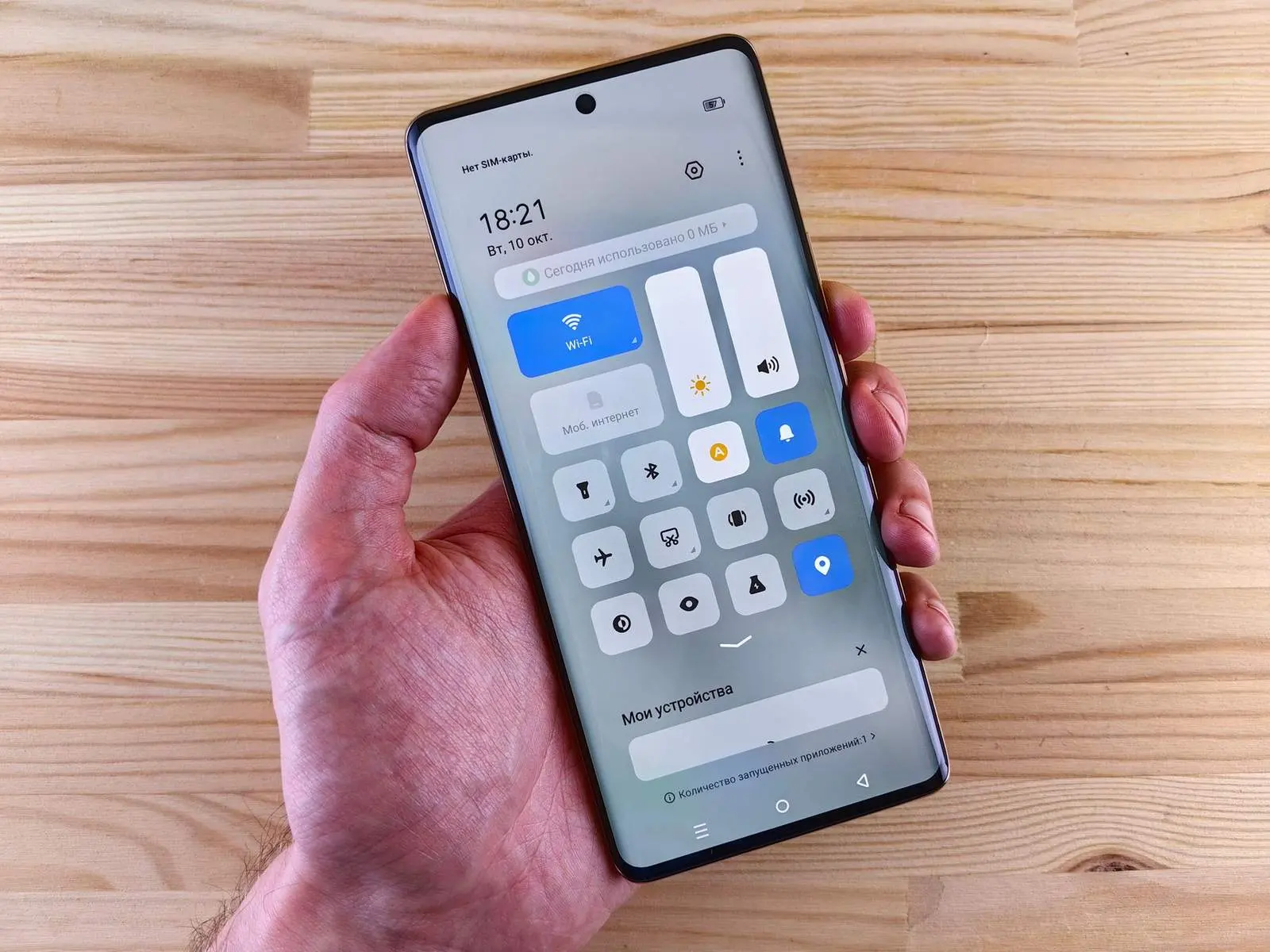
Hand holding an Android phone that shows the quick settings panel, with a blue Wi-Fi tile, a brightness slider and a highlighted blue location pin tile.

Sharing a link, a trip or a single pin

If your friend has no Google account, Google Maps can still help. Popular Science says you can send a link through a text chat, email, social app or a simple copy and paste.

Handle that link with care: it is public, which means anybody who has it can know where you are in real time. The same guide recommends sending it only through direct, private channels to people you know and trust, per Popular Science.

For a single journey, a trip share is tidier than a standing share. Start a route, tap the bottom of the screen, and choose Share trip progress, as Popular Science describes. Your contact can follow you until the trip ends.

If you are building a ride first, our bike route planner guide covers the planning side, and this page covers the sharing side.

Sharing from an iPhone

Before any iPhone method works, you need to switch on Location Services, as Popular Science’s iPhone guide explains.

The simplest tool in Messages is a one-off pin. Open the chat, tap the name at the top, and tap Send My Current Location. That pin won’t track your movements and, says Popular Science, it reaches anyone with an Apple or Android phone. If the recipient has no iPhone, Engadget says they get an Apple Maps link that opens in a browser.

For a live share, tap Share My Location instead and pick one hour, until the end of the day, or indefinitely. That method only works if the recipient also has an Apple device, per Popular Science. The Find My app offers the same three choices and is limited to Apple devices and services.

Pay attention to the open-ended option. If you choose to share indefinitely, Popular Science warns, you might forget to turn it off.

To reach an Android friend with live updates, the same guide suggests Google Maps on your iPhone, using the steps in the section above.

How do you stop sharing and stay private?

In Google’s system, you can end a share for one person at a time, as the Google help page lays out:

  1. Open your Google Account and click People & sharing at the top left.
  2. Scroll to “Info you can share with others” and choose Location Sharing, then Manage Location Sharing.
  3. Tap the person’s name, then tap Stop.

On an iPhone, open Settings, then Privacy & Security, then Location Services, then Share My Location. Anyone you share with is listed by name, and you touch the name and hit Stop Sharing My Location, according to Popular Science.

Build a few habits around it, and use the Popular Science Google Maps guide as a reference:

  • Pick the shortest window that does the job.
  • Share only with people you know and trust.
  • Routinely check who has access to your location and remove permissions when necessary.

If walking home is your main reason to share, our guide to the best walking navigation apps is a good next read.

Frequently asked questions

Does the other person need a Google account?

Show answer

No. Google Maps can send a link by text or email, so a friend without an account can still follow you on the web version, as Popular Science notes. Remember that whoever holds the link can see you, so send it privately.

Can I share from an iPhone with someone on Android?

Show answer

Yes. A pin from Messages reaches both kinds of phone, and Popular Science calls Google Maps possibly the best route for live sharing with an Android user, in its iPhone guide. Find My, by contrast, stays inside Apple’s ecosystem.

Is there a quick way to pause everything?

Show answer

On Android, Google says you can pause all Location Sharing from your device Settings, per its help page. On iPhone, the Location Services menu used for setup also lets you turn sharing off, according to Popular Science.

Why avoid open-ended sharing?

Show answer

It is easy to forget, and Popular Science says it can drain your battery and become a privacy or security risk. A share that expires on its own removes the chore of remembering.

Navigation

  • Finding the Coordinates of Any Location on a Map

    Finding the Coordinates of Any Location on a Map

    Wondering how to find coordinates of a location on a map? Right-click the spot on the OpenStreetMap website, choose “Show address”, and read the latitude and longitude in the left sidebar. Other tools work too. Coordinates are one piece of street map navigation, alongside routes and landmarks. These figures come from community help threads: how…

  • Choosing a Bike Route Planner That Fits Your Ride

    Choosing a Bike Route Planner That Fits Your Ride

    Unsure which bike route planner suits your ride? Pick by coverage, hills and offline needs, then test one route before you commit. For the wider picture of how maps turn into directions, read our guide to street map navigation. These details come from the online routers page and the routing page of the OpenStreetMap Wiki.…

  • How to Use GPX Files for Routes and Tracks

    How to Use GPX Files for Routes and Tracks

    Wondering how to use GPX files? Open one in a mapping app or GPS device, import it as a route or track, then check the line against the map before you set off. This guide is part of the wider topic of street map navigation, where you can compare other ways to plan and follow…